Does installing an eSIM early use up your days?
October 28, 2026
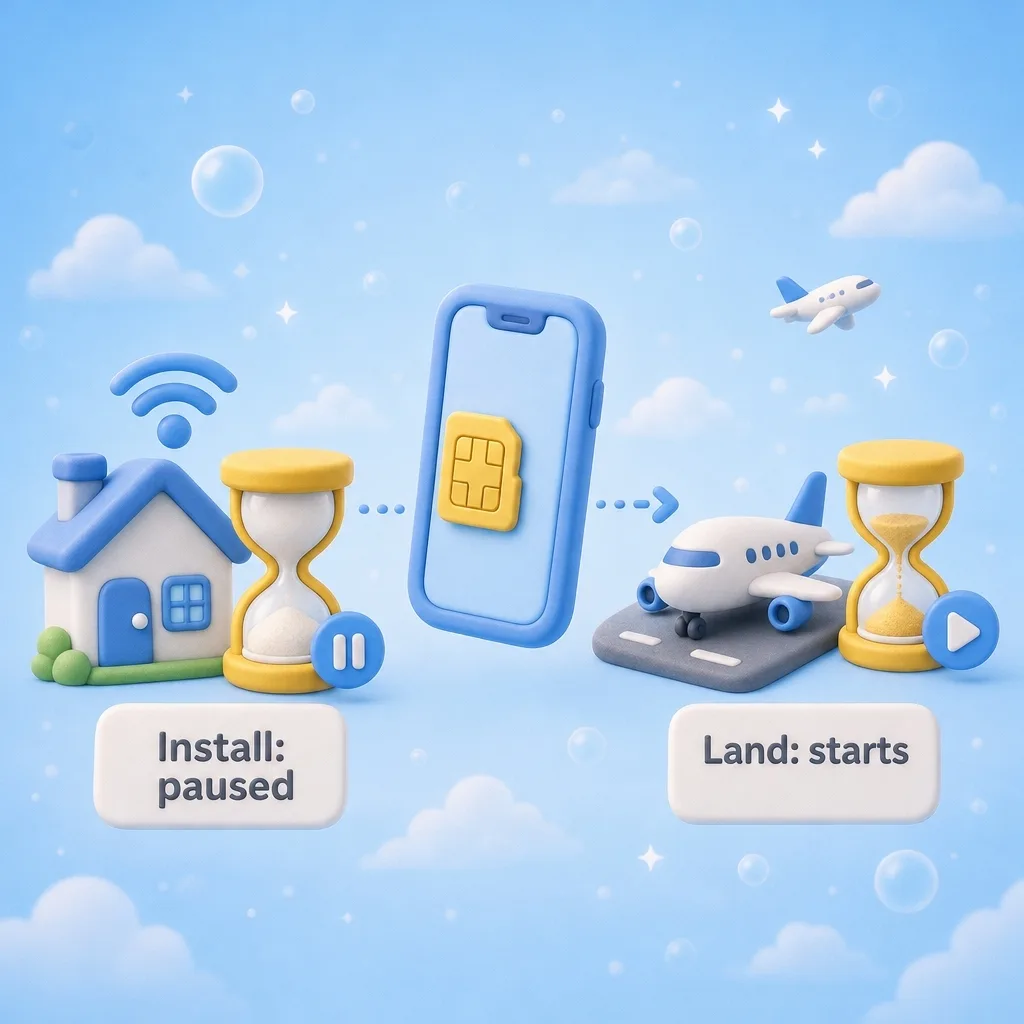
A question we get before almost every purchase: if I install the eSIM a week before my trip, am I losing a week?
No. On our plans, the clock starts when the eSIM first connects to a network at your destination. Buying it doesn't start it. Installing it doesn't start it either. A 7-day plan gives you 7 days from the moment it first connects after you land.
So the order that works best is: buy, install at home, travel, switch it on.
Why install early at all
Installing an eSIM means your phone downloads a profile over the internet. At home you have good Wi-Fi and time to read the screens. At the airport you might have neither. If something doesn't look right, you also have days to email us instead of minutes.
When you install at home, you skip the scramble for Wi-Fi after you land. You turn the line on and you're connected.
How to install without starting anything
- Install the eSIM on Wi-Fi, following the steps in your order email.
- When it's added, turn that line off until you arrive.
- iPhone: Settings > Cellular, tap the travel eSIM, and switch off Turn On This Line.
- Samsung: Settings > Connections > SIM manager, and switch the travel eSIM off.
- Other Android phones: look under Settings > Network & internet > SIMs.
- After you land, turn the line back on and set it as your mobile data line.
- Make sure data roaming is on for the eSIM line. iPhone: Settings > Cellular, tap the eSIM, Data Roaming. This is the most common reason a working eSIM looks dead on arrival.
Keeping the line off until you land matters most if your plan also covers the place you're leaving from, such as a regional plan that includes your home country. A line that's on can connect wherever its plan works.
The one catch: refunds
Know this before you install. Our refund window is 7 days from purchase, and it only applies to an eSIM that has never been installed or used. Once it's on your phone, it's yours.
That doesn't mean you should wait until the airport. It means you should be sure about the plan before you install it:
- Is it the right country, or a region that covers every country on your trip?
- Does your phone support eSIM, and is it unlocked?
- Is the data amount and the number of days enough?
If you're not sure, you can buy and hold off on installing until you've checked. Once you're sure, install it, then leave it alone until the wheels touch down.
What about the validity window itself
The number of days on a plan is how long you can use it after it first connects. It doesn't need to match your trip dates exactly. A 30-day plan on a 10-day trip simply has days left over.
If you run out of data or days before you're home, you can buy another plan. Phones can hold more than one eSIM at a time.
Refund details and the rest of the common questions are on our FAQ page.